UPDATED *2026.01.31*
/ 2026.01.27 /
maniac /
Obsidian × Git
Caution
icloud上のフォルダをgitで管理してはいけません!!
参考:Obsidian:iCloudとGitHubの安全な併用マニュアル
context
Obsidianで管理しているドキュメントに対して気付かぬうちに誤ペースト(cmd + a > cmd + v)をしてしまい、そのまま上書きされた結果、大事なドキュメントがゴミと化す事件が何度かあった。誤ペーストを防ぐことは出来なさそうので、バージョン管理を導入して自分の尻拭いをすることにした。
specifications
- リモートリポジトリは不採用
- マルチデバイス間の同期はicloud上にvaultを配置することで一旦実現しているので
- ObsidianプラグインのObsidian Git3を導入
Split automatic commit and pushは有効にしてpush系はfalseにAuto commit intervalは60に- あとは基本初期値のまま
- .gitignoreには公式推奨1のものをそのまま追加
# to exclude Obsidian's settings (including plugin and hotkey configurations)
.obsidian/

# to only exclude plugin configuration. Might be useful to prevent some plugin from exposing sensitive data
.obsidian/plugins

# OR only to exclude workspace cache
.obsidian/workspace.json

# to exclude workspace cache specific to mobile devices
.obsidian/workspace-mobile.json

# Add below lines to exclude OS settings and caches
.trash/
.DS_Store
iCloud×Gitの失敗
- iCloudとGitの相性が最悪だということを身を以て知った
- Cloud同期処理時にファイルの削除と再生成が走ったみたいで、管理していたファイルの編集履歴が消し飛んだ
- 加えてファイル再生成がファイル名降順で行われたため作成日時があべこべに
.gitの格納場所をicloudから切り離した4git init --separate-git-dir ./path/to/git/
notes
- これで安心して誤ペーストできるようになった
- シェルで
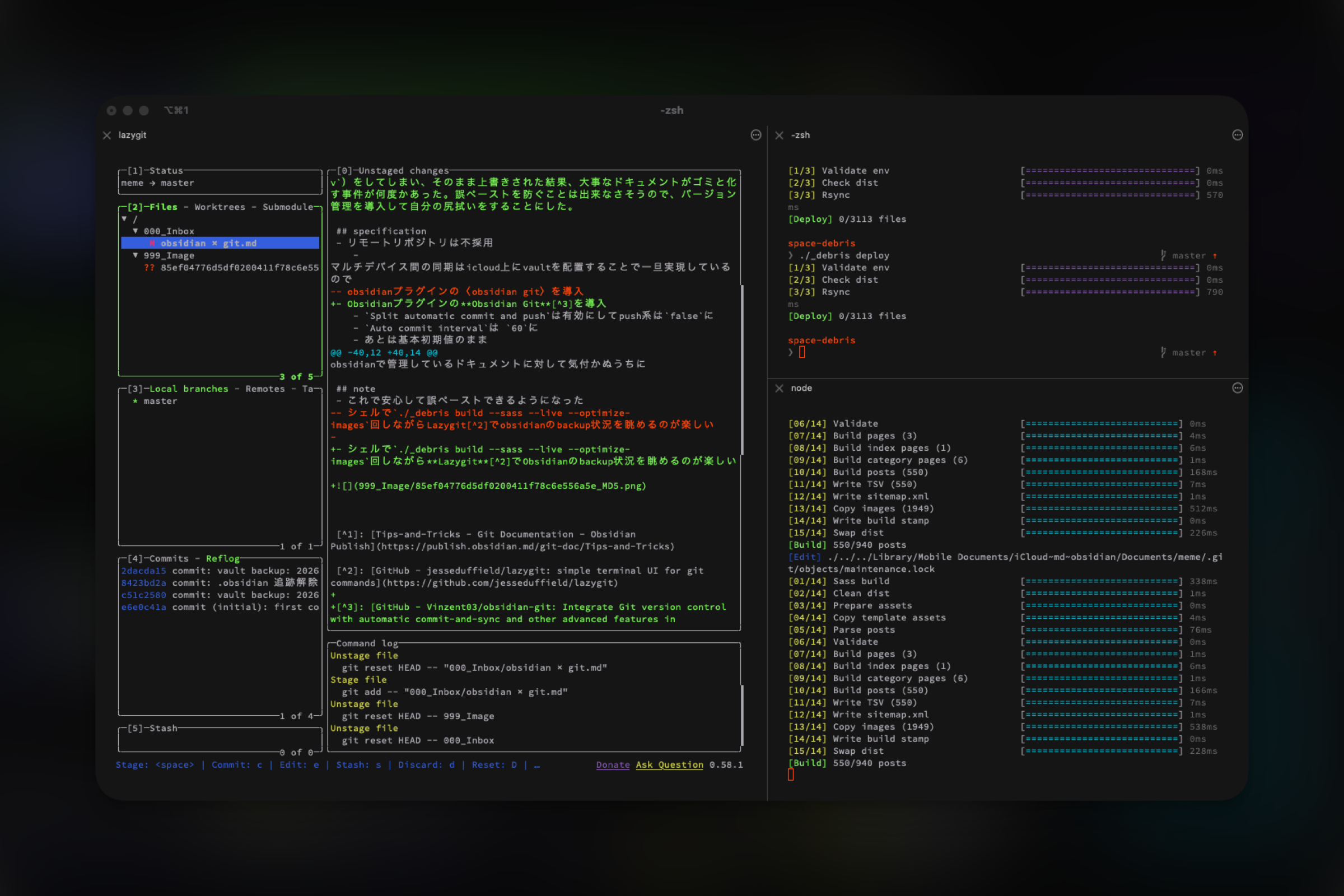
./_debris build --sass --live --optimize-images回しながらLazygit2でObsidianのbackup状況を眺めるのが楽しい
- Tips-and-Tricks - Git Documentation - Obsidian Publish ↩
- GitHub - jesseduffield/lazygit: simple terminal UI for git commands ↩
- GitHub - Vinzent03/obsidian-git: Integrate Git version control with automatic commit-and-sync and other advanced features in Obsidian.md ↩
- Obsidian:iCloudとGitHubの安全な併用マニュアル を参考にしながら切り分けてみた ↩